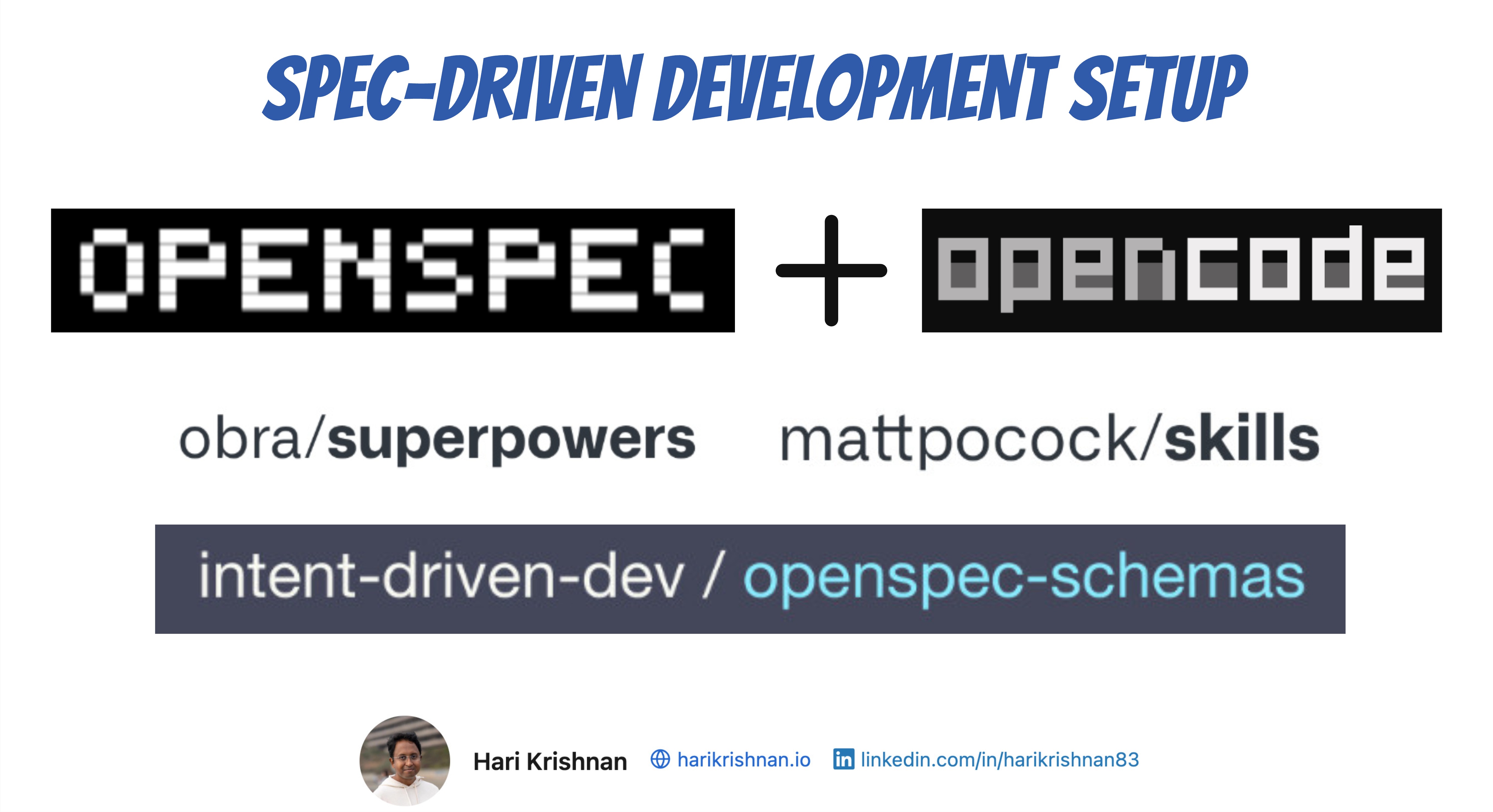
The intent-driven-template wires OpenSpec, OpenCode, and a set of OpenCode skills into an end-to-end Spec-Driven Development workflow. This post walks through each step the template sets up — from openspec init to the custom schema that ties it all together.
1. OpenSpec Setup
Start by initializing OpenSpec in the project:
openspec init
Then pick the new, continue, verify and any other commands that you need in addition to what is included in core profile. Profiles were introduced in OpenSpec 1.2.
2. OpenSpec Git Discipline
The template ships an openspec-git-discipline skill that enforces a single rule: every OpenSpec state change must cross main before the next lifecycle phase depends on it.
That means the proposal must be on main before apply starts, and implementation must be merged back to main before archive runs. The skill defines explicit gates around propose, continue, apply, and archive so the agent stops and asks rather than silently violating the rule.
The reasoning behind these gates — especially when running parallel changes in worktrees — is covered in OpenSpec, Git WorkTrees and OpenCode.
3. Proposal — Grill Me Before You Create proposal.md
During the proposal step, the template uses Matt Pocock’s grill-me skill to interrogate the plan one question at a time, walking down each branch of the design tree until there is a shared understanding between the user and the agent.
This pulls open questions out into the proposal before specs are written, rather than discovering them later.
4. Design — C4 Diagrams
In the design step, the template uses the c4-diagrams skill to clarify architecture before detailed design. The skill produces system context, container, component, dynamic, or deployment diagrams — only the levels that answer a real question — in plain ASCII or Mermaid.
The skill also gates on purpose, format, and rigor up front, requires assumptions and open questions to be called out alongside the diagram, and refuses to drift into detailed design until the diagram is approved. This is especially useful in the brownfield context — see Spec-Driven Development with Brownfield Projects for more on that.
5. ADR — Recording the Architectural Decisions
The design step almost always surfaces architectural decisions worth keeping. The template uses an architectural-decision-records skill to draft each ADR with explicit context, considered options, decision, and consequences — supporting MADR full, MADR minimal, Nygard, Y-Statement, and custom styles.
ADRs are kept outside the change so they persist after the change is archived. The reasoning behind that choice — and why specs alone are not enough — is covered in Architectural Decision Records with Spec-Driven Development.
6. Superpowers for Worktree-Based Parallelism
The template uses Obra’s Superpowers in two places:
- During the explore phase, Superpowers’ brainstorming skill kicks in automatically.
- During bulk apply, our
openspec-bulk-apply-changeskill leverages Superpowers’ worktrees and subagents skills to run multiple OpenSpec changes in parallel — each in its own worktree and SubAgent — without them stepping on each other.
The mechanics of doing this with OpenSpec — proposing on main, applying inside worktrees, and merging before archive — are covered in OpenSpec, Git WorkTrees and OpenCode.
7. Bringing It Together — The intent-driven Schema
OpenSpec uses schemas to control which artifacts are generated during the proposal phase. The template activates the intent-driven schema from intent-driven-dev/openspec-schemas, which produces five artifacts in order:
proposal -> specs -> design -> adr -> tasks
Schemas are what make all the previous steps fit together as a single workflow rather than a pile of separate tools — the schema is what tells OpenSpec to ask for an ADR after design, and tasks only after that. Custom schemas were introduced in the OpenSpec 1.0 release, where config.yaml first opened up workflow customization.
Video Walkthrough
References
- Intent-Driven Template — intent-driven-dev/intent-driven-template
- Template skills —
.agents/skills - OpenSpec — Fission-AI/OpenSpec
- Matt Pocock’s
grill-meskill — mattpocock/skills - Obra’s Superpowers — obra/superpowers
intent-drivenschema — intent-driven-dev/openspec-schemas